Introduction
Jeo is a WordPress theme that acts as an online platform for geojournalism and allows publication of news articles as layers of information on digital maps. With Jeo, creating interaction between the layers of data and contextual information is much more intuitive. The theme is developed to be a base of child themes and is ready for multilingual content and facilitates publication tasks.
In this tutorial we will cover the installation of the theme, the publication of a map, the publication of a post, and configurations for Jeo.
History
The InfoAmazonia project was created in 2012, with the objective of aggregating data and news about the Amazon rainforest. Initially, updating the site was complex. With the goal of planning the development of the site, we carried out a study which at the end of the year concluded that the best alternative in the long term to substitute the software was to develop a theme for WordPress. After the theme was developed and the new site was launched, we decided to generalize the theme to facilitate the use of other people to create their own sites with maps.
Instalation
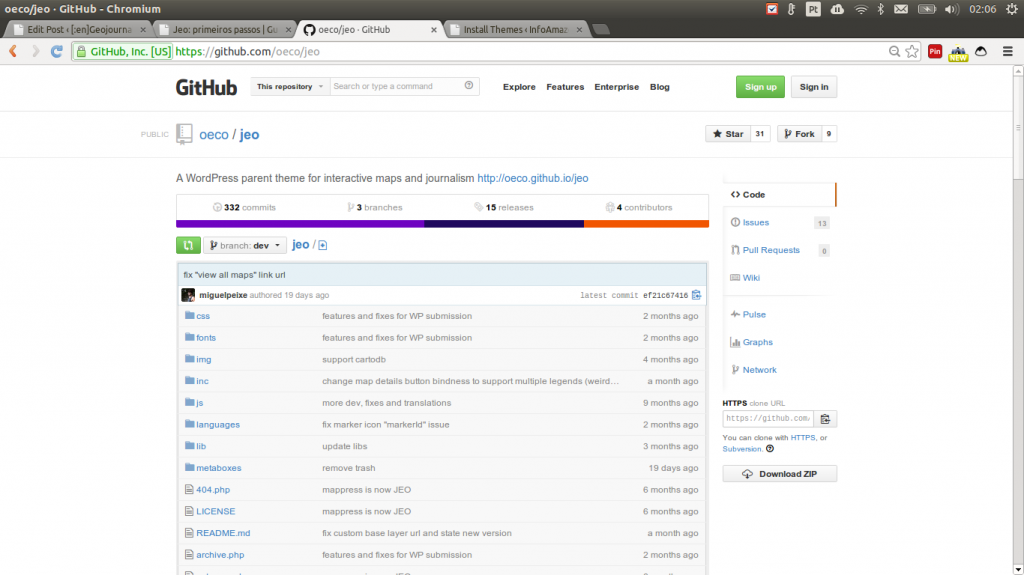
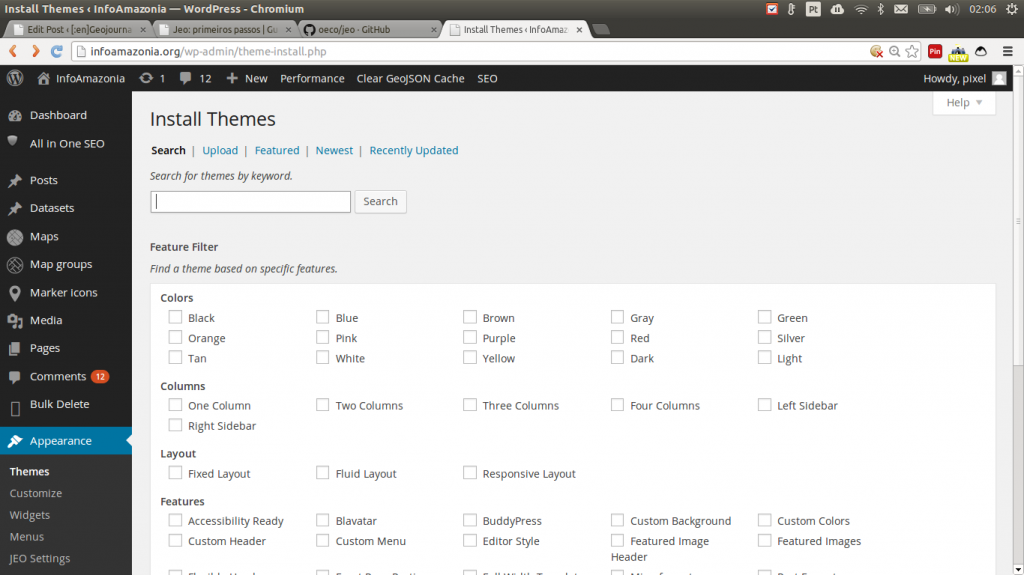
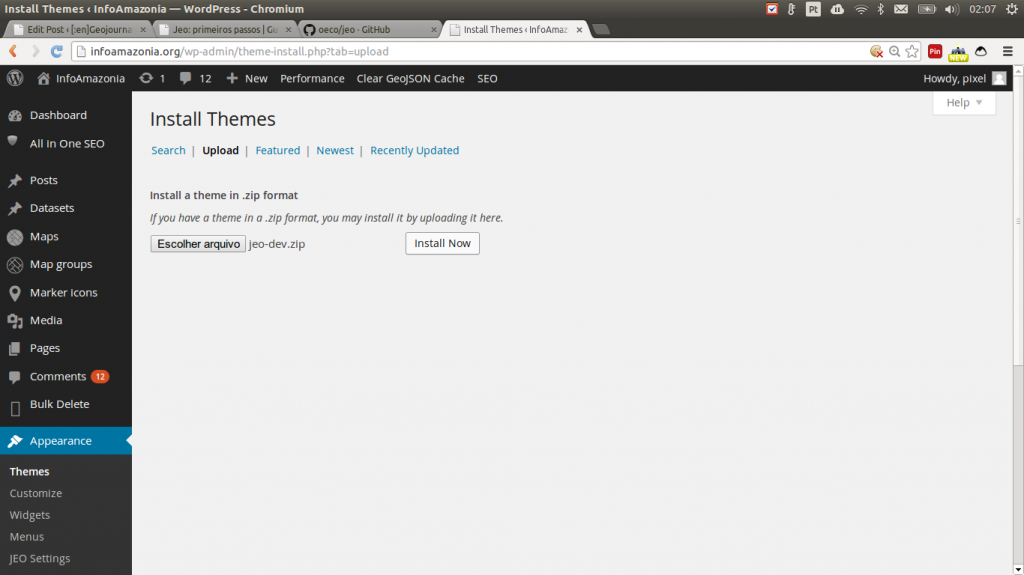
You need to have WordPress installed on your server. Next we will show you two ways to install Jeo.
Publishing a Map

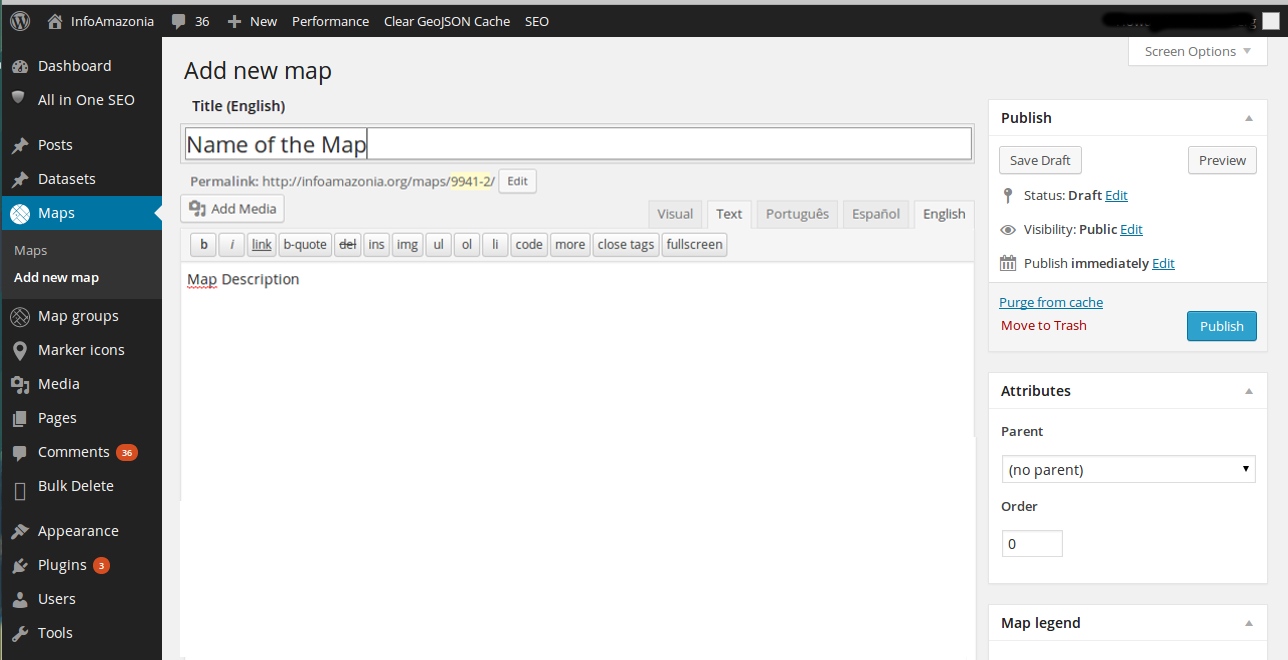
In the first area you can define the server which will provide the base layer in a drop-down list. Once you choose a server, the URL address under the list will be altered to the server’s default. The base layer is the layer which remains under all of the others, and can be chosen from OpenStreetMap, Mapquest OpenStreetMap, Mapquest Satellite, Stamen Toner, Stamen Watercolour, Stamen Terrain, Other (used for when you have your own tilelayer URL), or None (in case you don’t want to use a base layer, or want to use one from MapBox or CartoDB).
To add layers, you can use the “Add MapBox layer” and “Add CartoDB layer” buttons if you want to use layers from these servers. Otherwise, use “Add tile layer”.
Inside the box that is created you’ll see 3 options:es:
- Title, which is the name of your layer. It will always be used when you need to refer to this layer (in a menu, for example).
- ID or URL. This is where you should put the URL of the layer, or, in the case of a MapBox layer, your ID.
- Layer options. The layers can be:
- Fixa – use this if you don’t want to allow the viewer to turn off the layer.
- Switchable – when you want that the viewer to be able to switch the layer on and off.
- Swapable – when you would like to permit a choice between a set of layers.
The order of superposition of the layers is from bottom to top, in other words, the higher the layer on the administration screen, the higher its priority over the the others. It will be displayed on top of the layers below it on the list.

- The center and initial zoom.
- The minimum and máximum zoom.
- The limits for navegation of the map.
If you want, you can nevegate the map and, when you are in the position that you desire, click the buttons “Define current as center and zoom” and “Define current as navegation limits”.
On the lower part, it is possible to:
- Turn off the possibility of using the mouse or touchpad to change the zoom
- Turn on a filter, permitting that the visitors choose the start and end date of the posts which they wish to see
- Turn on a search field on the map

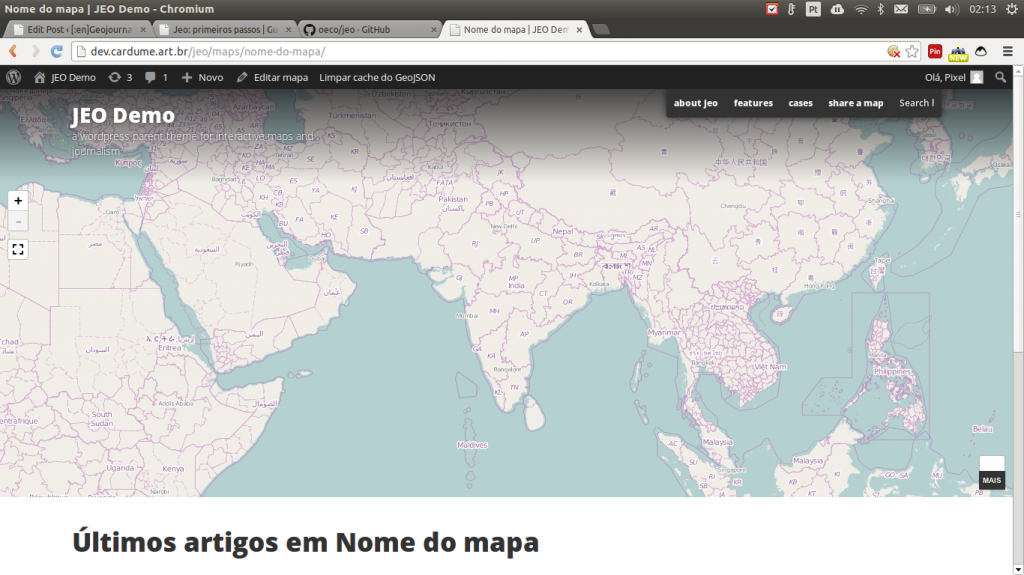
Since its the first map you have criated, it automatically goes to the home page of the site. For this all the future maps you publish, a page is automatically created for the individual map.
Publishing a post


Observe that there is a search box. In example below, you can see a search for “Bangalore”.


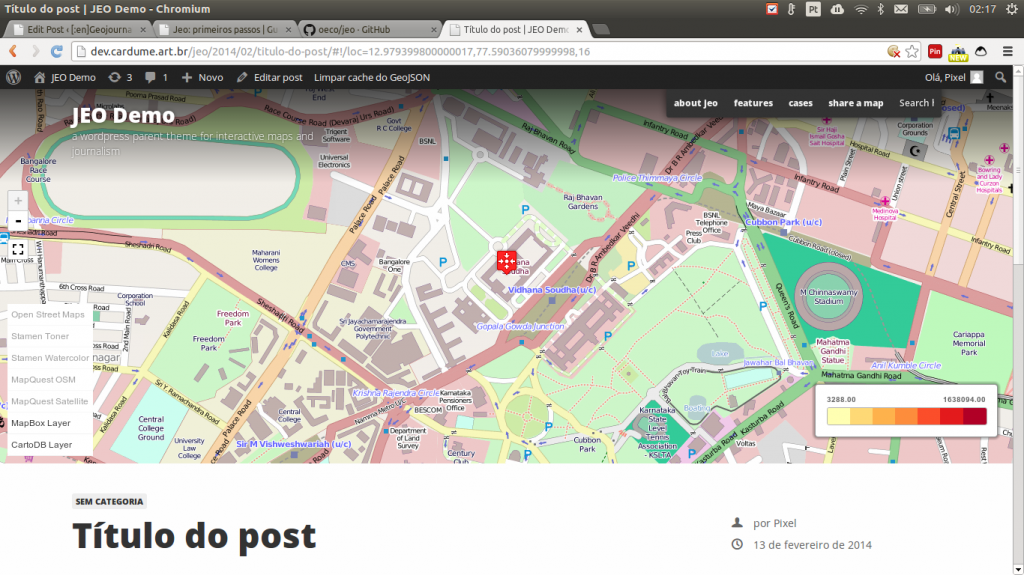
Verify is you can see the post on the map. It may be necessary to click on “Clear GeojSON Cahce” on the toolbar.
Setting up the site
- Go to “Appearance > Jeo Settings”
- The Settings should be self-explanatory. If you don’t understand one of the settings, write to us (click on “New Issue”)!


Next Steps
Congratulations, you have your first site with Jeo! Now it is time to go to GitHub and copy the code to create your own child theme.